
Online Challan Check Punjab Pakistan 2026 – Easy Complete E-Challan Guide
Online challan check Punjab Pakistan is an important search for drivers and vehicle owners who want to verify whether an electronic traffic challan has been recorded against their vehicle. Punjab Safe Cities Authority, commonly known as PSCA, operates an official e-challan verification system that allows users to search traffic challan records with vehicle information. The current PSCA verification page asks for a plate number together with either a 13-digit CNIC or the vehicle chassis number.
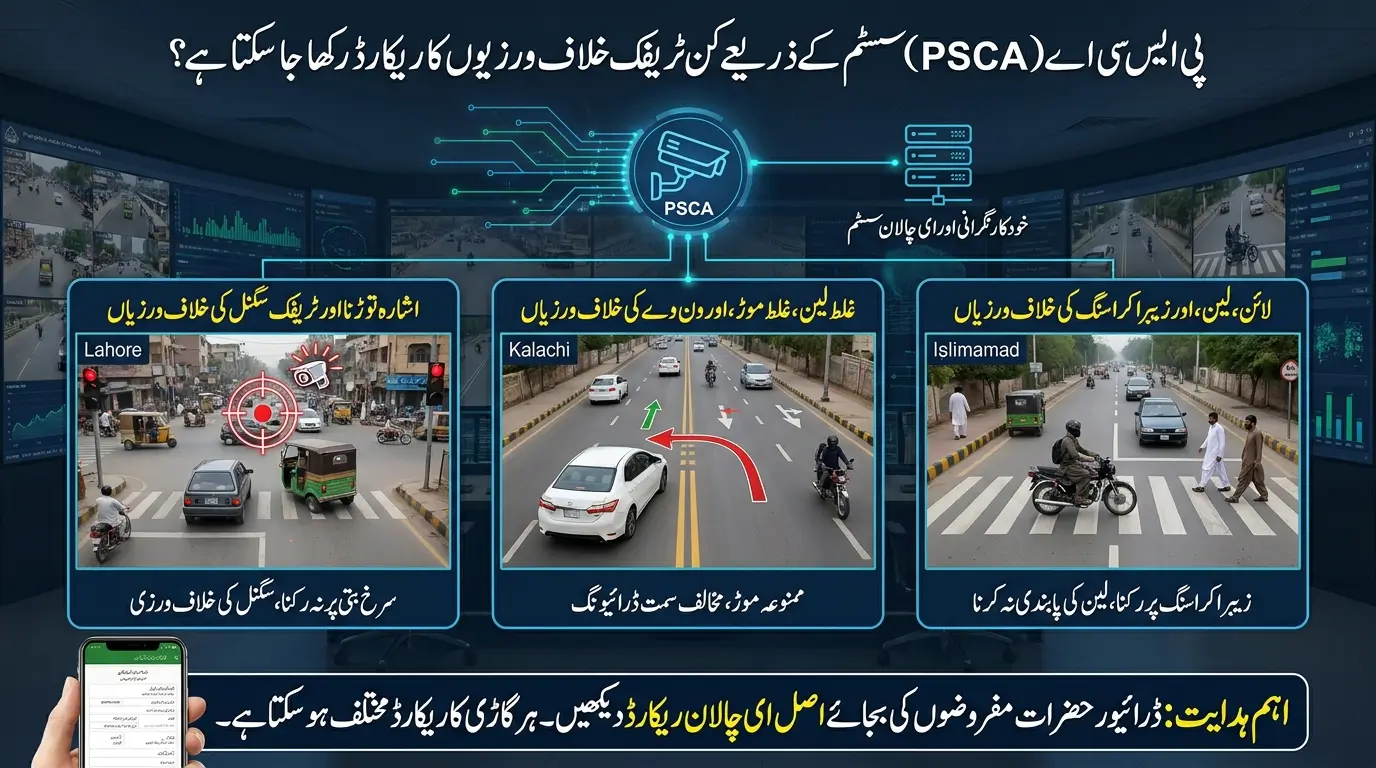
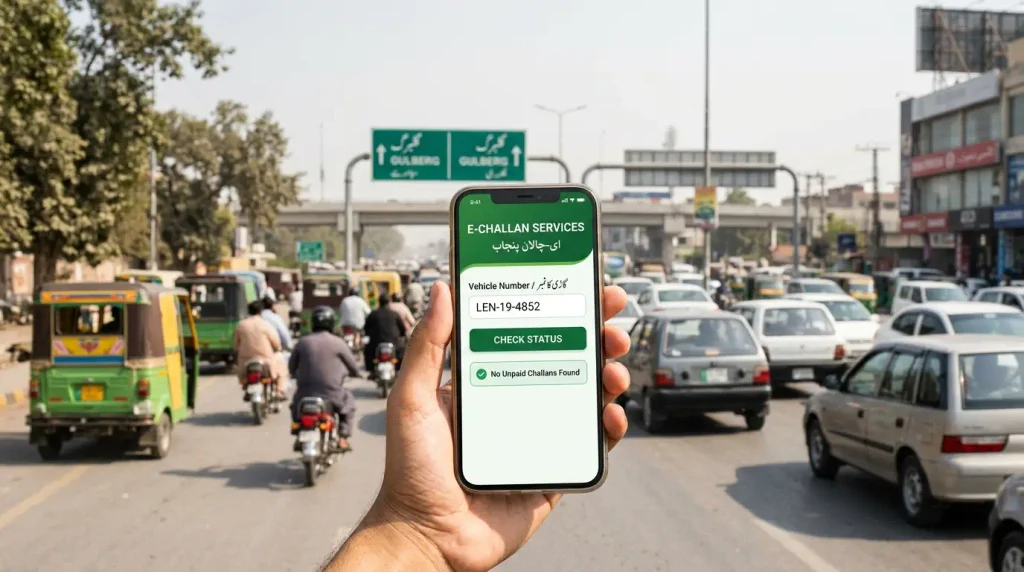
The phrase e challan Punjab Pakistan check online is also commonly used by people looking for the same service. Whether you are checking a car, motorcycle, or another registered vehicle, the most important step is to use the official Punjab system and enter the requested details accurately. A wrong plate number, incorrect CNIC, or mismatched chassis number can prevent the system from finding the correct record.
This guide explains the Punjab e-challan checking process from start to finish. It covers PSCA verification, required information, plate-number formats, the PSCA Public Safety App, challan details, online payment, PSID, missing records, unpaid challans, disputed records, and common problems. The focus is only on Punjab so that drivers can find the relevant information without mixing the process with systems used in other provinces.
What Is Online Challan Check Punjab Pakistan?
Online challan check Punjab Pakistan refers to verifying an electronic traffic challan through the official digital services available for Punjab. The PSCA e-challan system connects traffic enforcement with digital records so that a vehicle owner can search available challans instead of depending only on a printed notice.
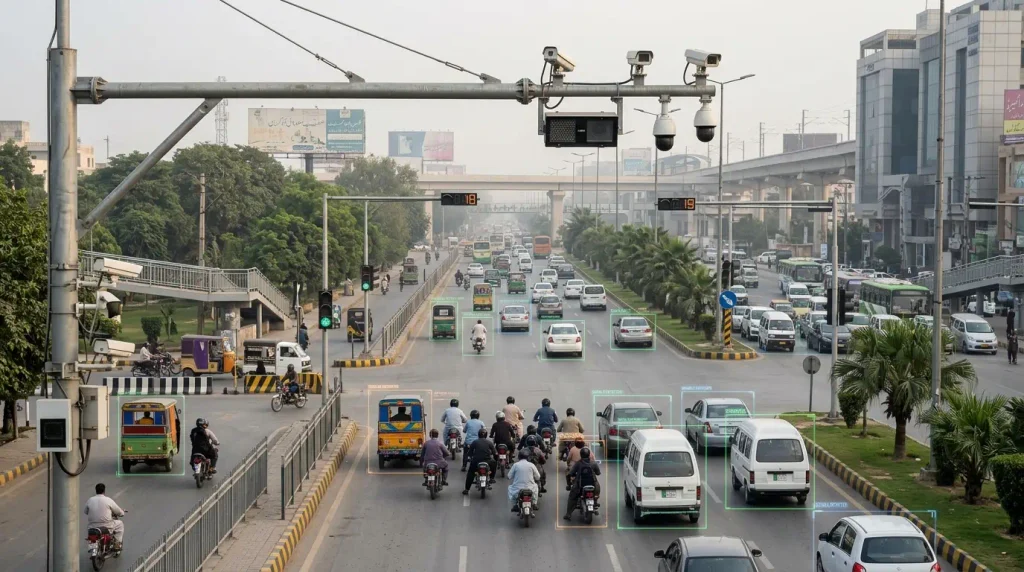
PSCA explains that its e-challan system works with traffic monitoring and number-plate recognition technology to identify traffic violations and issue electronic tickets. The authority also provides an official e-challan verification service for citizens who want to check their records.
Online verification is useful because a driver may want to confirm whether a challan is outstanding, review the vehicle details connected with a notice, or verify a traffic fine before making payment. It can also be useful when a printed notice has not reached the current vehicle owner or when the owner wants to review the digital record independently.
However, an online result should always be read carefully. The system depends on the details entered by the user and the records available in the PSCA database. Therefore, checking the correct plate number and owner information is an important part of the process.
Punjab Safe Cities Authority and the E-Challan System
Punjab Safe Cities Authority is the government authority behind the current PSCA e-challan verification service. Its official website provides an e-challan verification option, while the dedicated e-challan page allows a user to search by entering vehicle and identity information.
The PSCA system is designed to support traffic enforcement and road discipline through technology. According to the authority, artificial-intelligence-based surveillance and number-plate recognition form part of its traffic-management approach. When a traffic violation is recorded and processed through the relevant system, the resulting record can become available for verification.
For drivers, the practical point is simple: use the PSCA verification service for Punjab e-challan records rather than relying on an unknown third-party website. This protects personal information and reduces the risk of checking the wrong system.
How to E Challan Punjab Check Online
The e challan Punjab Pakistan check online process is straightforward when the correct information is available. The current PSCA search page requires the vehicle plate number and then asks for either the owner’s 13-digit CNIC or the vehicle chassis number. Follow the steps below carefully to reduce search errors.
1. Open the Official PSCA E-Challan Service
Start with the official Punjab Safe Cities Authority e-challan verification service. Using the official system is important because challan checking involves vehicle and identity information. Avoid entering a CNIC, chassis number, or other personal data on an unverified website that simply claims to provide Punjab challan records.
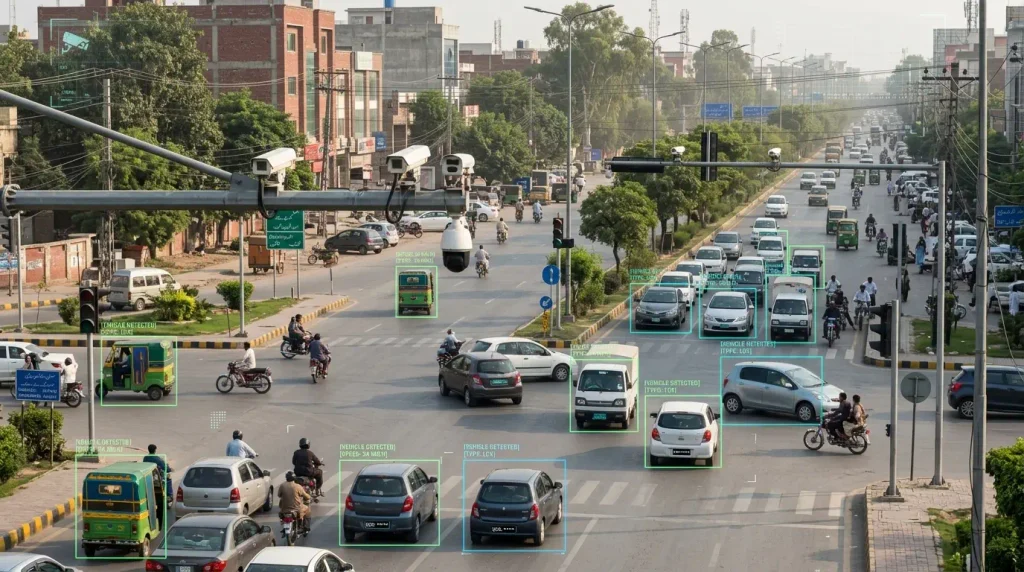
Before searching, make sure you are on the PSCA e-challan system. The current official search page clearly identifies itself as the PSCA E-Challan System and provides fields for plate number and CNIC or chassis number.
2. Enter the Vehicle Plate Number
Enter the vehicle plate number in the format accepted by the PSCA system. The current search page shows examples such as ABC 000, ABC 0000, and ABC-00-0000. Your actual registration format may differ, so enter the number exactly according to your vehicle record and the instructions shown on the official page.
A small typing mistake can return no result. Check every letter, digit, space, and hyphen before proceeding. If the system does not find the vehicle, compare the plate number with the registration documents rather than relying on memory.
3. Enter CNIC or Chassis Number
The second field on the current PSCA verification page accepts either a 13-digit CNIC or the vehicle chassis number. If you use a CNIC, enter the number in the format requested by the official system. The page currently describes the CNIC as 13 digits.
The chassis-number option can be useful where the vehicle ownership information or CNIC search does not produce the expected result. Use the actual chassis number from the vehicle record and avoid guessing characters.
4. Submit the Search
After entering the plate number and the required second identifier, submit the search. The system will check the available PSCA e-challan records against the details you provided.
Wait for the result before changing the information. Repeatedly submitting different plate numbers or identity details can make it harder to determine whether the problem is a formatting error or a genuine absence of records.
5. Review the E-Challan Details
If a challan record appears, read all available information carefully. Confirm that the vehicle information corresponds with your vehicle and review the violation and payment status shown by the system.
Do not make a payment solely because a challan appears. First verify that the record relates to the correct vehicle. If the details appear unfamiliar or incorrect, use an official PSCA or relevant traffic-police channel to seek clarification.
Information Required for Punjab E-Challan Verification
The current PSCA e-challan system is specific about the information used for a search. Keeping the correct details ready before starting the verification process can prevent repeated failed searches and make the experience faster.
Vehicle Plate Number
The vehicle plate number is the primary identifier used by the PSCA e-challan search. Enter the number exactly as registered. If your registration contains a specific series, spacing pattern, or hyphen format, follow the official page and your vehicle documents.
Because number plates can be written in several visual formats, the examples on the PSCA page are useful guides. However, the safest reference is the actual registration information for your vehicle.
13-Digit CNIC
The official PSCA search page currently allows the user to provide a 13-digit CNIC in the second search field. This can help match the vehicle and owner information with the e-challan record.
If the vehicle is not registered in your name, the CNIC you enter may not match the ownership information expected by the system. In that situation, the chassis-number option may be more relevant, depending on the official search process.
Vehicle Chassis Number
The chassis number is another identifier accepted by the current PSCA e-challan search. It provides an alternative to CNIC-based verification and can be especially useful when ownership information creates a mismatch.
Enter the chassis number carefully because it can contain both letters and numbers. One incorrect character can prevent a successful match.
What Can You See After a Punjab E-Challan Search?
When the search successfully finds a valid e-challan, the system can display the available challan record associated with the details entered. The exact presentation can change as the service is updated, so users should focus on the information shown by the current official interface.
Important details may include the challan reference, vehicle information, traffic violation information, fine-related details, and status. These fields help the driver determine whether the challan is connected with the correct vehicle and whether further action is required.
Review the information before payment. If more than one challan is associated with the vehicle, check each record separately rather than assuming that all entries are identical.
Check the Vehicle and Violation Information
Confirm that the displayed vehicle details match the vehicle you searched. If a registration number looks similar but other details appear inconsistent, do not ignore the mismatch.
Next, review the available traffic-violation information. The purpose of the record is not only to show an amount; it should also help identify the traffic event or enforcement record connected with the challan.
Check the Current Challan Status
The status tells you whether the record still requires attention according to the system. If you previously paid a challan but the status does not appear to reflect the payment, keep the official payment reference or receipt and verify the matter before paying again.
Checking status is particularly important for drivers who have several records or who are reviewing a vehicle before a sale or ownership-related transaction.
PSCA Public Safety App for E-Challan Checking
Punjab Safe Cities Authority also provides the PSCA Public Safety App. According to the current PSCA information, the app allows users to check, download, and manage their e-challans from a smartphone.
This can be useful for drivers who prefer mobile access instead of repeatedly opening a browser. The app also combines e-challan functionality with other public-safety services offered by PSCA.
When using a mobile app, make sure you install the official PSCA application rather than a look-alike app. Check the developer and the official PSCA information before entering personal or vehicle details.
Checking and Managing Challans on Mobile
The Public Safety App provides another route for citizens who want to review e-challan information. Users can check their records and manage available challans from the app interface.
Mobile access can make regular checking easier, especially for drivers who want to confirm a challan while away from a desktop computer. The same caution still applies: verify the vehicle information and challan details before making any payment.
How to Pay Punjab E-Challan Online
After verifying a valid challan, the next step may be payment. Punjab’s official ePay documentation describes an e-challan payment process in which a user selects the relevant challan, generates a payment reference known as a PSID, and then uses that reference through supported payment channels.
Payment services can be updated over time, so drivers should follow the instructions currently displayed by the official PSCA or ePay Punjab service. Do not rely on an old screenshot or an unofficial payment guide when handling a current challan.
Before paying, confirm the challan details and amount. After payment, keep the transaction reference or receipt until the challan status reflects the completed payment.
Generating a PSID for Payment
The official ePay Punjab guide for Safe City e-challans describes selecting the challan and generating a PSID. A PSID is a payment identifier used to connect the payment with the government record.
When the current service provides a PSID, copy it accurately. An incorrect payment reference can create unnecessary problems, so compare the number before confirming a transaction.
Use Authorized Payment Channels
The ePay guidance describes payment through supported banking and alternative delivery channels. Available payment options can change, so use the channels shown by the current official system at the time you make the payment.
Never send money to a personal account or unknown number because someone claims they can clear a Punjab e-challan. A legitimate payment should follow the official government payment process.
Why Online Challan Check Punjab May Show No Record
An online challan check Punjab search may sometimes return no record even when the user expected to find one. This does not always mean that the official system is wrong. Search results depend on the information entered and on the records currently available in the database.
Start by checking the plate number and the second identifier. A mismatch between the vehicle and CNIC, a chassis-number typing error, or an incorrect registration format can prevent the system from finding a match.
A recent traffic event may also require processing before the related digital record becomes available. If you believe a challan should exist, verify the details and check again through the official service.
Incorrect Plate Number Format
Review the plate number carefully. The PSCA page currently shows several example formats, which indicates that formatting matters. Enter the registration exactly as required and compare it with the vehicle documents.
If you copied the number from a photograph or handwritten note, confirm it against the official record before searching again.
CNIC Does Not Match the Vehicle Record
If the vehicle is registered to another person, a CNIC-based search may not match the ownership information associated with the vehicle. In that situation, the chassis-number option can provide another official search route.
Do not enter random CNIC numbers. Use only legitimate vehicle and owner information.
Chassis Number Entered Incorrectly
Chassis numbers can be long and can contain similar-looking characters. Check the number slowly and compare every character with the vehicle record.
One incorrect letter or digit can lead to a failed search even when a valid challan exists.
Recent Challan Not Yet Visible
A newly recorded violation may not become visible to the user instantly. Digital systems still require the relevant record to be processed and made available.
If the matter is urgent, use the official support channels rather than searching on unrelated websites.
What to Do If a Punjab E-Challan Looks Incorrect
If a challan appears but you believe it is incorrect, review the record before making payment. Check the plate number, vehicle information, traffic event, and any other details shown by the official system.
Do not assume that an unexpected record must be paid immediately without verification. If the information appears inconsistent, contact PSCA or the relevant traffic authority through an official channel and ask how the record can be reviewed.
Keep screenshots, challan references, vehicle documents, and other relevant information that can help explain the issue. Clear documentation can make it easier to describe the problem.
Verify the Record Before Paying
Payment can be difficult to reverse, so verify the challan first. A careful review can help identify a mistyped registration number, ownership mismatch, or another issue before money is transferred.
If you previously paid the same challan, use the payment reference or history available through the official service to investigate the status.
Use Official Help and Complaint Channels
PSCA provides official contact and assistance channels, while traffic-related questions can also require coordination with the relevant traffic authority. Use those official routes when you need clarification about a record.
Avoid individuals who claim they can privately remove or cancel an e-challan. Any correction should be handled through the recognized government process.
Why Unpaid Punjab E-Challans Should Not Be Ignored
An unpaid e-challan should not simply be ignored. PSCA states that it works with Traffic Police and Punjab Police to identify vehicles with multiple unpaid e-challans, and its current blacklisting information warns vehicle owners to clear outstanding dues to avoid enforcement and legal inconvenience.
This makes regular checking useful even if you have not recently received a paper notice. A vehicle owner can review available records and resolve valid outstanding challans before the number of unpaid records increases.
The exact enforcement action depends on the circumstances and current law and procedure. Therefore, drivers should focus on verifying legitimate records and following the official payment or review process.
Multiple Unpaid E-Challans and Vehicle Blacklisting
PSCA’s current vehicle-blacklisting information specifically includes vehicles with multiple unpaid e-challans among the categories that can attract enforcement attention. The authority uses surveillance and Automatic Number Plate Recognition technology as part of its vehicle-monitoring approach.
For vehicle owners, the practical lesson is to check and resolve valid outstanding records rather than allowing them to accumulate.
How to Avoid Fake Punjab E-Challan Websites
Punjab e-challan searches involve sensitive information such as vehicle numbers, CNICs, and chassis numbers. For that reason, users should be careful about where they enter these details.
Use the official PSCA e-challan service or the official PSCA Public Safety App. A website that uses words such as Punjab challan, PSCA check, traffic fine, or vehicle challan is not automatically connected with the government.
Be cautious with unexpected messages that create urgency or ask you to pay through a personal account. Verify the record through PSCA before making a payment.
Check the Website Before Entering CNIC
Before entering a CNIC, confirm that you are using the official PSCA service. A CNIC is personal information and should not be submitted to a random search website.
The same rule applies to chassis numbers and payment information. Use only the details required by the official service.
Do Not Pay Through Random Messages
If an SMS, WhatsApp message, or social-media message claims that you have a traffic challan, do not rely only on the message. Open the official PSCA system independently and check the record.
Only follow a payment process that can be confirmed through an official service.
Punjab E-Challan Check Before Buying a Used Vehicle
A Punjab e-challan check can also be useful before buying a used vehicle. A prospective buyer should review the vehicle’s documentation and may also want to confirm available traffic challan records with the seller.
Because e-challan verification can require owner CNIC or chassis information, the seller may need to participate in the checking process. This is better than asking the buyer to guess identity details.
Checking available records before completing a transaction can reduce disputes about older traffic violations after ownership changes. However, e-challan checking is only one part of a used-vehicle review and should not be treated as a substitute for proper registration and ownership verification.
Check Records Before Ownership Transfer
If the seller has outstanding valid challans, discussing them before the transaction can help both parties understand who should resolve the issue.
Keep the verification focused on official records. Do not rely on screenshots that cannot be confirmed through the current system.
E Challan Punjab Check Online: Common Search Problems
People searching e challan Punjab check online often face simple problems that can be solved without using a third-party service. Most issues involve incorrect details, mismatched ownership information, or confusion about which official service to use.
The first solution is always to return to the PSCA verification page and check the information again. If the plate number is correct, try the legitimate CNIC or chassis option that applies to the vehicle.
If the problem continues, use official PSCA assistance rather than repeatedly entering different personal information on unrelated websites.
Search Shows No E-Challan
A no-record result can mean there is currently no matching record for the details entered, but it can also result from incorrect information. Check the plate number, CNIC or chassis number, and try again carefully.
If you recently received a notice, allow for processing or contact the official authority if urgent confirmation is needed.
Paid Challan Still Appears
If a paid challan still appears, first confirm that the payment was completed successfully. Keep the PSID, transaction reference, or official receipt available.
Avoid paying a second time until you have checked the payment status through an official channel.
Vehicle Registered to Previous Owner
If the vehicle registration has not been updated to the current owner’s information, a CNIC-based search can become confusing. Use the official ownership and vehicle records when checking the challan.
The chassis-number search option can be useful for verification, but ownership records should also be corrected through the appropriate authority where necessary.
Frequently Asked Questions About Online Challan Check Punjab
Final Thoughts
Online challan check Punjab is easiest when drivers use the official PSCA system and keep the correct vehicle information ready. The current verification process uses the vehicle plate number together with either a 13-digit CNIC or the chassis number, making accurate data entry essential.
For people searching e challan Punjab check online, the most reliable approach is to start with PSCA rather than a third-party website. The PSCA Public Safety App also provides mobile access for checking, downloading, and managing e-challans.
After finding a valid challan, review the details before payment and use the official payment process. If the record is missing, recheck the plate number, CNIC, or chassis number. If the record appears incorrect, seek clarification through an official PSCA or traffic-authority channel.
Keeping valid e-challans resolved can prevent unnecessary problems, particularly where multiple unpaid records accumulate. Regular checking, accurate vehicle information, and official payment methods provide a safer and more reliable way to manage Punjab e-challans.