
Pakistan E-Challan Information & Official Routes
Check Your E-Challan Online in Pakistan
An e-challan check online in Pakistan starts with the region: traffic e-challans are issued by regional authorities, and there is no single national database. Choose the region where your challan was issued below, and we will guide you to the correct official service, step by step.
Quick Answer
To complete an e-challan check online in Pakistan, first identify the authority that issued it — PSCA for Punjab, Islamabad Traffic Police for the capital, TRACS for Sindh, KP Police for Khyber Pakhtunkhwa, B-Pay for Balochistan, or the NHMP for motorways. Open that authority’s official portal, enter the vehicle registration number (and CNIC, where the portal asks for it), and the portal will show your challan’s details, amount and payment status. Always verify and pay on the official service — not on any link received by SMS.
On This Page
The Basics
What Is an E-Challan?
An e-challan is a traffic fine recorded electronically. Instead of existing only as a paper ticket, the violation is stored in the issuing authority’s computer system against your vehicle’s registration number — which is why it can be checked, and usually paid, online.
There are two common ways an e-challan is created in Pakistan. In camera-based systems — such as the Safe City networks — automatic number-plate recognition cameras capture offences like red-signal jumps and overspeeding, and the record is generated without an officer stopping you. In officer-issued e-ticketing, a traffic warden records the violation on a handheld device or terminal at the roadside and the same kind of electronic record is created. Either way, you may learn about the challan through an SMS, a notice, or by checking the official record yourself. Our overview of the e-challan system in Pakistan explains how these systems grew, and this comparison explains the difference between an e-challan and a manual challan.
The important thing to understand is that the record belongs to a specific authority’s database. A challan created by Punjab’s Safe City system sits with PSCA; a Karachi challan sits in TRACS. No portal can show another authority’s records — so identifying the issuing region, as the picker above does, is always the first step. For camera-issued fines specifically, see how a Safe City challan is generated and delivered.
Step by Step
How to Do an E-Challan Check Online in 4 Simple Steps
The exact screens differ between authorities, but an e-challan check online is almost always the same four steps.
Find the right authority
A challan belongs to the region where the violation happened. A Lahore camera fine and a Karachi fine live in completely different systems.
Open the official portal
Use the official links above — never a link from an unknown SMS or a look-alike website asking for payment.
Enter what the portal asks
Most services ask for your vehicle registration number; some also ask for the owner’s CNIC or a challan/PSID number. See the checking methods explained.
Review, then pay or dispute
Check the violation, date and amount. If it is correct, pay through an official channel. If it is wrong, use the authority’s complaint process.
Regional Guides
E-Challan Guides for Every Region
Each guide explains — in plain language — how that region’s system works, what you need to check a record, and what to do next.
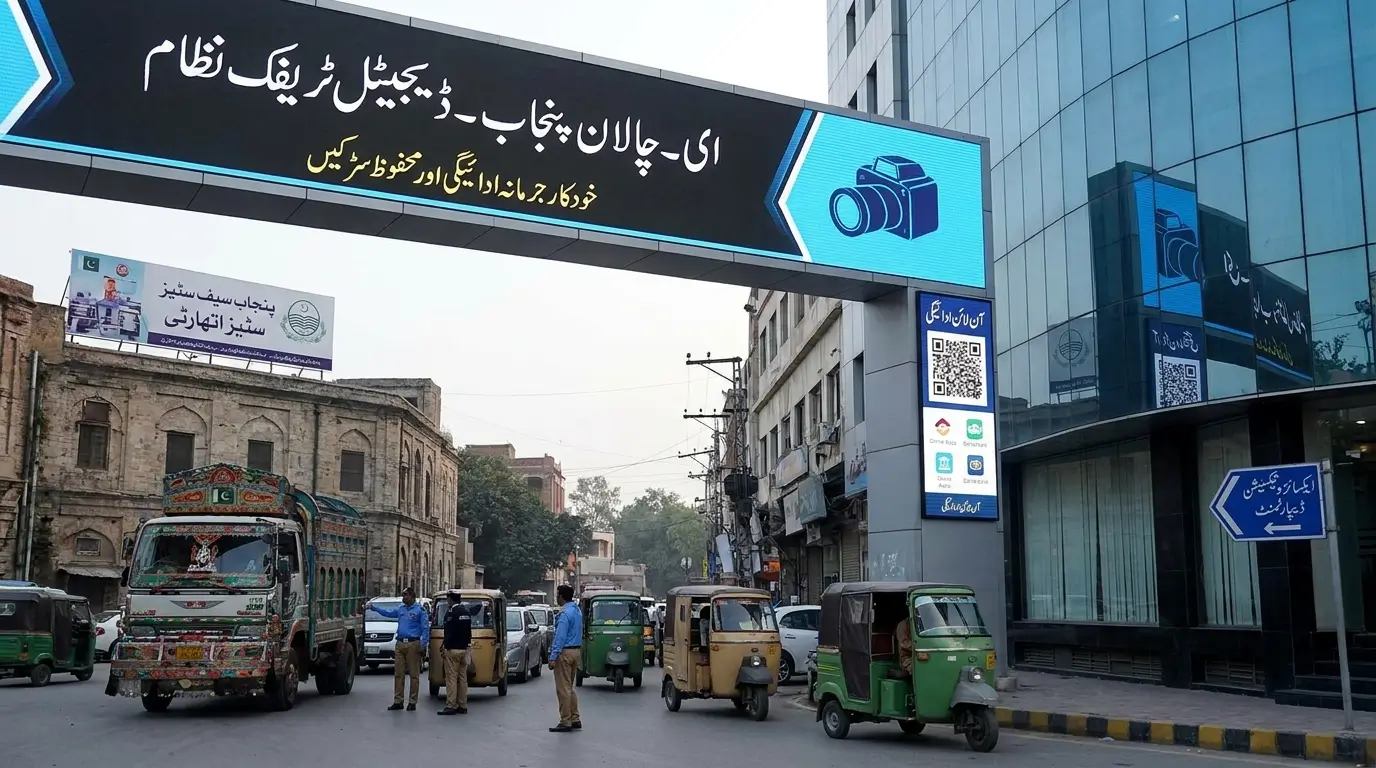
Punjab — PSCA E-Challan
Punjab’s camera-based system covers Lahore and other Safe City areas. Check records with your vehicle number and CNIC on the PSCA service.
Punjab E-Challan Guide →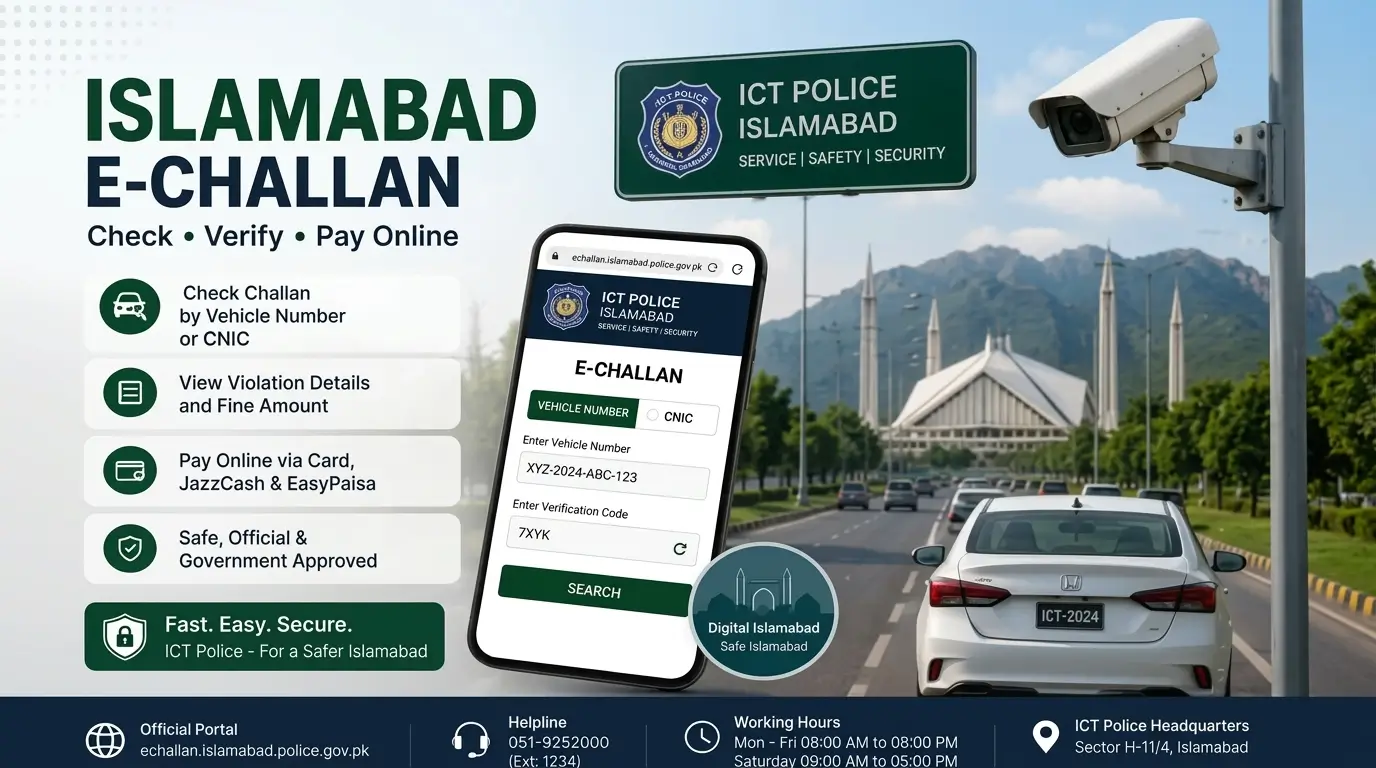
Islamabad — ITP E-Challan
Islamabad Police lists e-challan verification among its online public services, covering camera and officer-issued tickets in the capital.
Islamabad E-Challan Guide →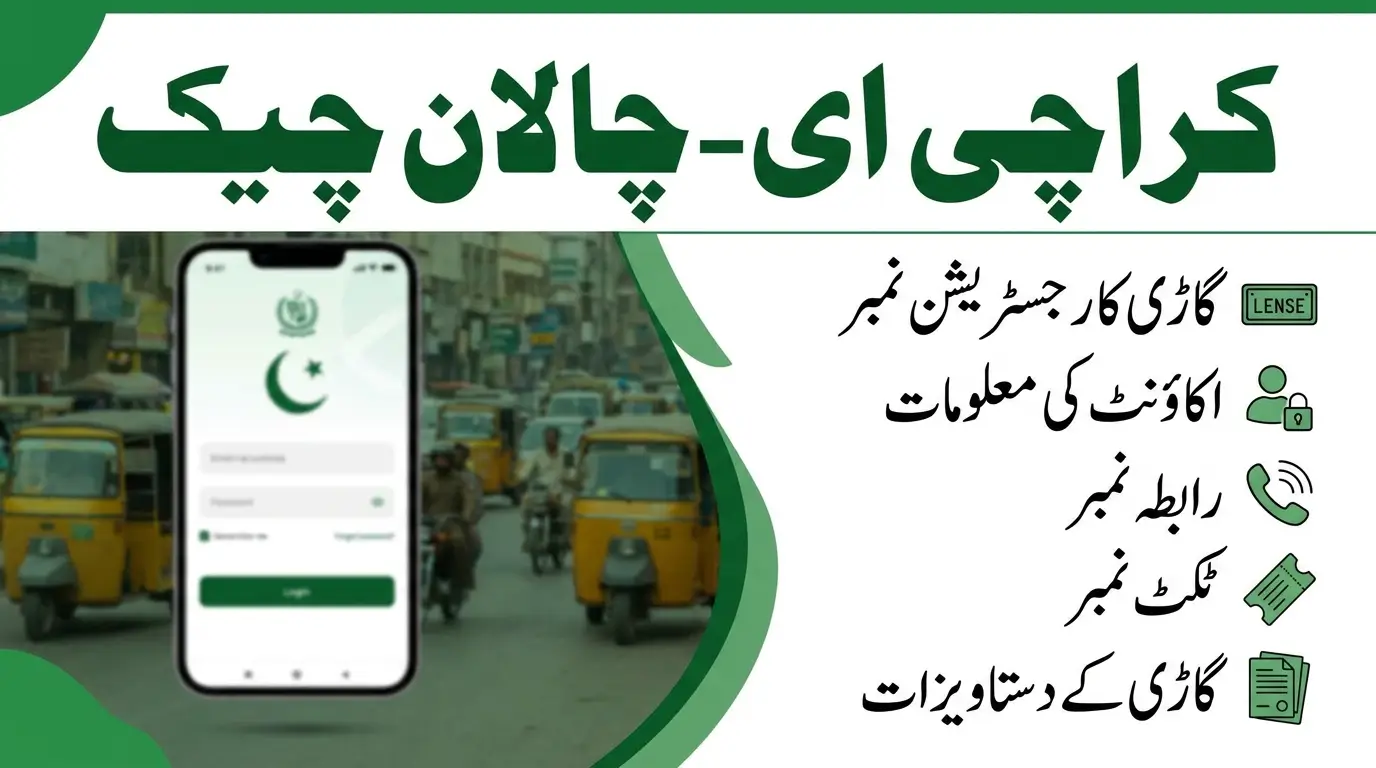
Sindh & Karachi — TRACS
Sindh Police’s TRACS system handles electronic ticketing in Karachi and across Sindh, including how records are checked and paid.
Sindh E-Challan Guide →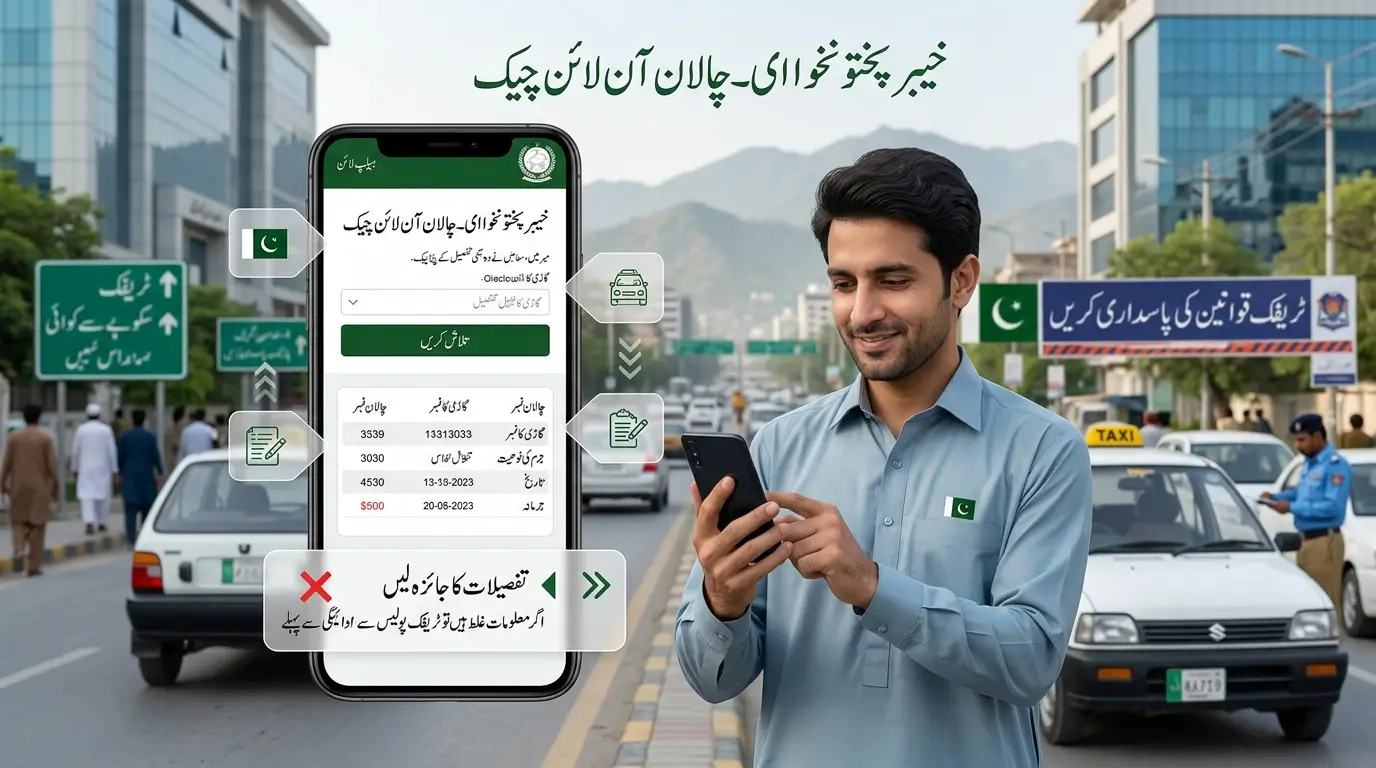
KPK — Traffic Challan Verification
KP Police offers traffic challan verification and e-ticketing among its public services, including through its Sahulat Markaz app.
KPK E-Challan Guide →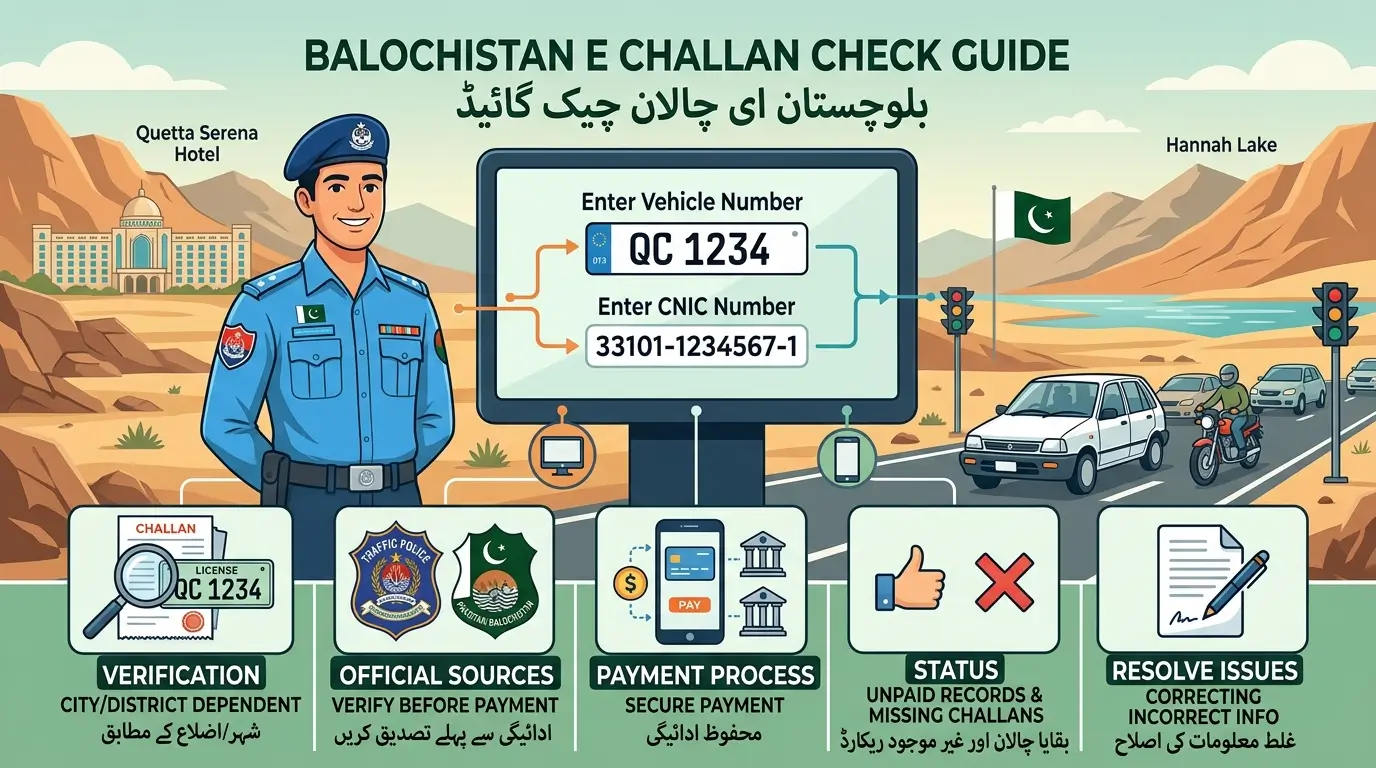
Balochistan — B-Pay Services
Balochistan’s B-Pay platform lists traffic challan and road-fine services for the province. Here is how the process works and what to confirm.
Balochistan E-Challan Guide →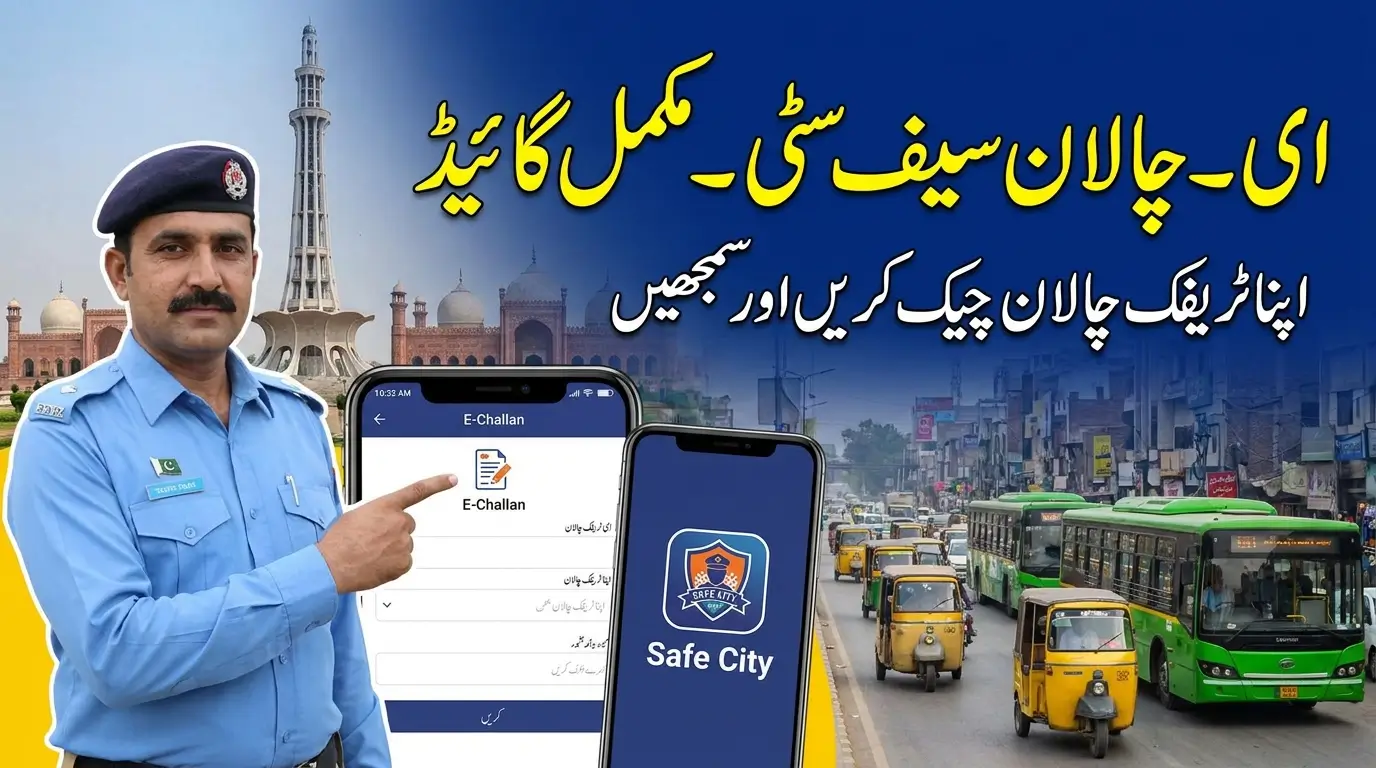
Motorway — NHMP E-Ticketing
Motorway fines are handled separately by the National Highways & Motorway Police — a provincial portal will not show an NHMP record.
Motorway Challan Guide →Region by Region
What Each Region’s E-Challan Check Asks For
Every authority built its own system, so the details you need — and where the record lives — change with the region. Whichever region applies, your e-challan check online always starts on that authority’s own service. Here is the short version for each one; the full walkthrough is in its guide.
Punjab — PSCA
Punjab’s e-challans are issued mainly through the Safe Cities camera network, covering Lahore and expanding Safe City areas. The PSCA service is where Punjab records are checked, typically with the vehicle registration number and the owner’s CNIC.
PSCA Check, Explained →Islamabad — ITP
Islamabad Traffic Police provides e-challan verification among its online public services for the capital territory. Records relate to violations within Islamabad, whether camera-recorded or issued by an officer.
Islamabad Guide →Sindh & Karachi — TRACS
Sindh Police runs electronic ticketing through TRACS, centred on Karachi. If your violation happened in Karachi or elsewhere in Sindh, the record belongs to TRACS — a Punjab or federal portal will not show it.
TRACS Guide →KPK — KP Police
Khyber Pakhtunkhwa Police lists traffic challan verification and e-ticketing among its public services, including through its Sahulat Markaz channels. Keep your vehicle documents handy when checking a KP record.
KPK Check Guide →Balochistan — B-Pay
Balochistan’s government payment platform, B-Pay, lists traffic challan and road-fine services for the province. Because coverage and process can differ by district, confirm the current steps on the official service itself.
Balochistan Guide →Motorway — NHMP
Fines on motorways and national highways are issued by the National Highways & Motorway Police and handled separately from every provincial system. A motorway fine will never appear on a provincial portal — check it through the NHMP route.
Motorway Guide →City Guides
E-Challan Checks in Major Cities
Most drivers think in cities, not provinces — a fine received in Lahore, a ticket in Karachi, a camera flash in Islamabad. These city-level guides are the ones our readers use most, and each one walks through that city’s system in detail.
Free Tool
E-Challan Fine Amount Calculator
Did your e-challan check online show more than one challan? Add the amounts shown on your official records and see the total you need to arrange — before you pay.
Total Your Challans
Use only the amounts printed on your official challan or shown on the official portal.
This is a simple arithmetic helper, not an official fine database. It cannot tell you the penalty for a violation — only the issuing authority’s record can. Always confirm amounts, and any late-payment rules, on the official portal before paying.
Understanding Your Record
What Your Challan Status Actually Means
The authority’s system shows the amount as settled. Keep your receipt or screenshot for your records.
An amount is still outstanding on the record. Unpaid challans can create problems at vehicle transfer or token-tax time.
The record or a recent payment is still being processed. Wait and re-check on the official portal before paying again.
No matching record was returned. Recheck the region and the details you entered — new challans can also take time to appear.
Challan not appearing? Read why a traffic violation record may not show online, or check a payment reference with our PSID status guide. Motorcycle riders can see the bike challan check guide.
Checking Methods
Four Ways People Check an E-Challan
Different portals offer different search options. Here is what each method actually does, so you use the right one — and recognise the one you should never trust.
The main method on most portals. Enter the registration number exactly as shown on your vehicle documents or number plate.
Some services also ask for the vehicle owner’s CNIC, usually together with the vehicle number rather than on its own.
A PSID identifies a specific payable challan for payment. It confirms payment details — it is not a general search tool.
Never treat an SMS link as a checking method. Scammers use look-alike pages; always open the official portal yourself instead.
Our guide to all e-challan checking methods compares these in detail, and the PSID status guide explains how to read a payment reference once you have one.
Stay Fine-Free
Violations That Commonly Lead to an E-Challan
Most e-challans come from a short list of everyday offences, many of them captured automatically by cameras. Fine amounts differ by province, city and vehicle type, and authorities revise them from time to time — so confirm the exact amount for your case on the official record rather than relying on any shared list. The full rules are covered in our guide to traffic laws in Pakistan.
Detected by Safe City cameras and speed checks on city roads and motorways.
Crossing a stop line on red is one of the most commonly camera-recorded offences.
Motorcycle helmet violations are heavily enforced and frequently camera-captured.
Drivers — and in many drives, front passengers — are fined for not wearing seat belts.
Entering a one-way street against traffic is treated as a serious, dangerous offence.
Parking in no-parking zones, on footpaths or blocking traffic flow.
Lane indiscipline and stopping on or blocking pedestrian crossings.
Using a phone while driving is a common reason for officer-issued e-tickets.
What Happens If You Don’t Pay?
An unpaid challan normally stays open on the vehicle’s record. Outstanding fines commonly surface at inconvenient moments — vehicle transfer, token tax and other excise work — and the exact consequences and any late rules differ by authority. Clearing genuine challans early, and keeping receipts, is the safer course.
Consequences of Non-Payment →Buying or Selling a Vehicle?
Before buying a used car or bike, check its registration number for outstanding challans — unpaid fines are attached to the vehicle’s record, not just the driver. Sellers should clear their record and keep receipts so the transfer stays smooth for both sides.
Check a Vehicle Before You Buy →Something Wrong?
How to Dispute an Incorrect E-Challan
Wrong records do happen — a misread plate, a challan from before you bought the vehicle, or a violation you genuinely did not commit. Only the issuing authority can fix its own record, but a prepared complaint moves much faster.
Note the exact details
Write down the challan number, date, time, location and the vehicle it was issued against, exactly as shown on the official record.
Gather your evidence
Registration documents, sale or transfer papers if the vehicle changed hands, and anything showing where the vehicle actually was.
Use the official channel
File the complaint through the issuing authority’s own process or helpline. Punjab drivers can start from the Punjab traffic police helpline guide.
Follow up, keep records
Keep the complaint reference and every receipt or screenshot until the record is corrected or closed on the official system.
Paying an E-Challan Safely
Verify the challan first, note its PSID (Payment Slip ID), and pay only through channels the issuing authority itself lists — such as its official portal, supported bank apps and wallets, or designated bank branches. Never pay a stranger or an unofficial page.
Read the Payment Guide →⚠ Fake Challan SMS Warning
Scam messages copy official-sounding language to push you to a fake payment page. Do not tap the link and never share OTPs or card details. Independently open the official portal and check whether a real challan exists.
How to Spot a Fake Challan SMS →More Guides
Helpful Guides From E-Challan Checker
Common Questions
Frequently Asked Questions
How can I check my e-challan online?
The safest way to do an e-challan check online is to start from the region: identify where the challan was issued, open that authority’s official portal from the region picker at the top of this page, and enter the details the portal asks for — usually your vehicle registration number, and CNIC on some services. The portal then shows the challan’s violation, amount and status.
Can I check an e-challan by vehicle number?
Yes. Vehicle registration number is the main search method on most official portals, including PSCA (Punjab) and TRACS (Sindh). Enter the number exactly as it appears on your vehicle documents.
Can I check an e-challan by CNIC?
It depends on the authority. Some services use CNIC together with the vehicle number, while others do not offer a CNIC-only search. Use only the fields the official portal itself provides — never send your CNIC to an unofficial website or person.
What is a PSID?
A PSID (Payment Slip ID) is the payment reference generated for a payable challan in government payment systems. Banks, ATMs and mobile wallets use the PSID to settle the exact challan, so always copy it from the official record.
Why is my challan not showing online?
The most common reasons are checking the wrong authority, a typing error in the vehicle details, or a new record that has not appeared online yet. Confirm the region first, re-enter the details carefully, and try again after some time.
How do I pay an e-challan?
First verify the challan on the official portal and note the PSID. Then pay through a channel the issuing authority lists — for example its portal, supported banking apps or wallets, or a designated bank branch — and keep the receipt. Our payment guide walks through the process.
What should I do if my e-challan is wrong?
Do not ignore it. Note the challan details and use the issuing authority’s official complaint or dispute process, keeping any evidence and records with you. Only the issuing authority can correct or cancel its own challan.
Is E-Challan Checker an official government website?
No. E-Challan Checker is an independent informational website. We explain how Pakistan’s e-challan systems work and link you to the official services, but we do not issue, verify, collect or settle government traffic challans.
How long does an e-challan take to appear online?
It varies by authority. Officer-issued e-tickets may appear quickly, while camera-generated records can take some days to be processed and uploaded. If a violation is recent and nothing shows yet, wait and check the official portal again rather than assuming there is no challan.
I received a challan SMS but nothing shows online. What should I do?
Be careful. It may be a record that is still being processed — or a scam message. Do not pay through any link in the SMS. Open the official portal of the relevant authority yourself, check the vehicle record there, and only act on what the official system shows. Our guide explains how to recognise a fake e-challan SMS.
Can I pay an e-challan for someone else?
Generally yes — payment is made against the challan’s PSID, so a family member can usually pay it through the same official channels. Keep the receipt, because the record being settled belongs to the vehicle, not to the person who paid.
Does an unpaid e-challan affect vehicle transfer or token tax?
In many cases, yes. Outstanding challans are attached to the vehicle’s record and commonly surface during transfer, token tax and other excise processes, with details that vary by province. Clearing genuine challans and keeping payment receipts avoids delays later.
A challan was issued on a vehicle I already sold. What now?
Contact the issuing authority through its official complaint process and provide your sale and transfer documents as evidence. Only the issuing authority can correct its record, so keep copies of everything until the matter is closed.
Is it free to check an e-challan online?
Yes. Checking a record on an official portal is free — authorities do not charge a fee just to view your challan. Be cautious of unofficial websites or agents asking for a checking fee, card details or OTPs for a simple record check.
Official Sources
Official E-Challan Services
For actual verification, payment and complaints, always use the issuing authority’s own service:
About this website: E-Challan Checker is an independent informational website created to make Pakistan’s different electronic traffic services easier to understand. We are not a government department, police authority, traffic court or official challan database, and we cannot issue, cancel, modify or settle any challan. Traffic rules, fine amounts and official services can change — always confirm important details on the relevant authority’s official service before making a payment. Learn more about us or contact us with corrections.